P PromptDeck
Add to Chrome
Your prompts, one keystroke away in any AI chat.
Save your best prompts once. Drop any of them into ChatGPT, Claude or Gemini instantly. Free, and everything stays on your device.
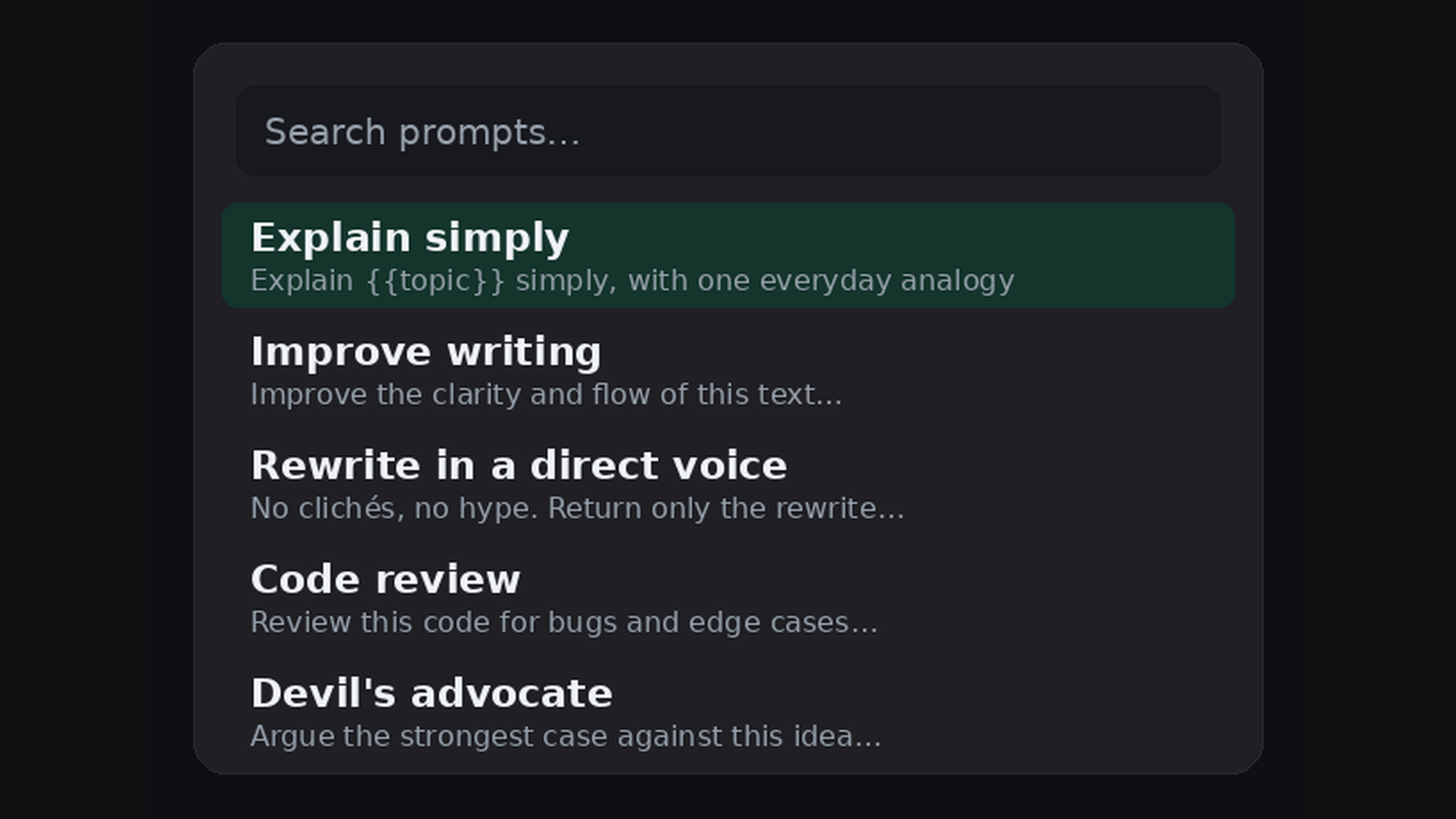
Save your best prompts once. Drop any of them into ChatGPT, Claude or Gemini instantly. Free, and everything stays on your device.
The same prompts work across ChatGPT, Claude and Gemini. No more copy-pasting between tabs.
Prompts with variables ask you for the details right before they insert, so one prompt fits every situation.
Everything is stored locally in your browser. No account, no sign-up, nothing leaves your device.
Save your go-to prompts once in the PromptDeck popup.
On ChatGPT, Claude or Gemini, press Cmd/Ctrl+Shift+Space.
Pick a prompt, fill any blanks, and it drops straight into the chat box.
Free forever for the core tool. Works on Chrome, Edge, Brave, and any Chromium browser.